Free tool
DXF viewer online: open a DXF file and measure the cut
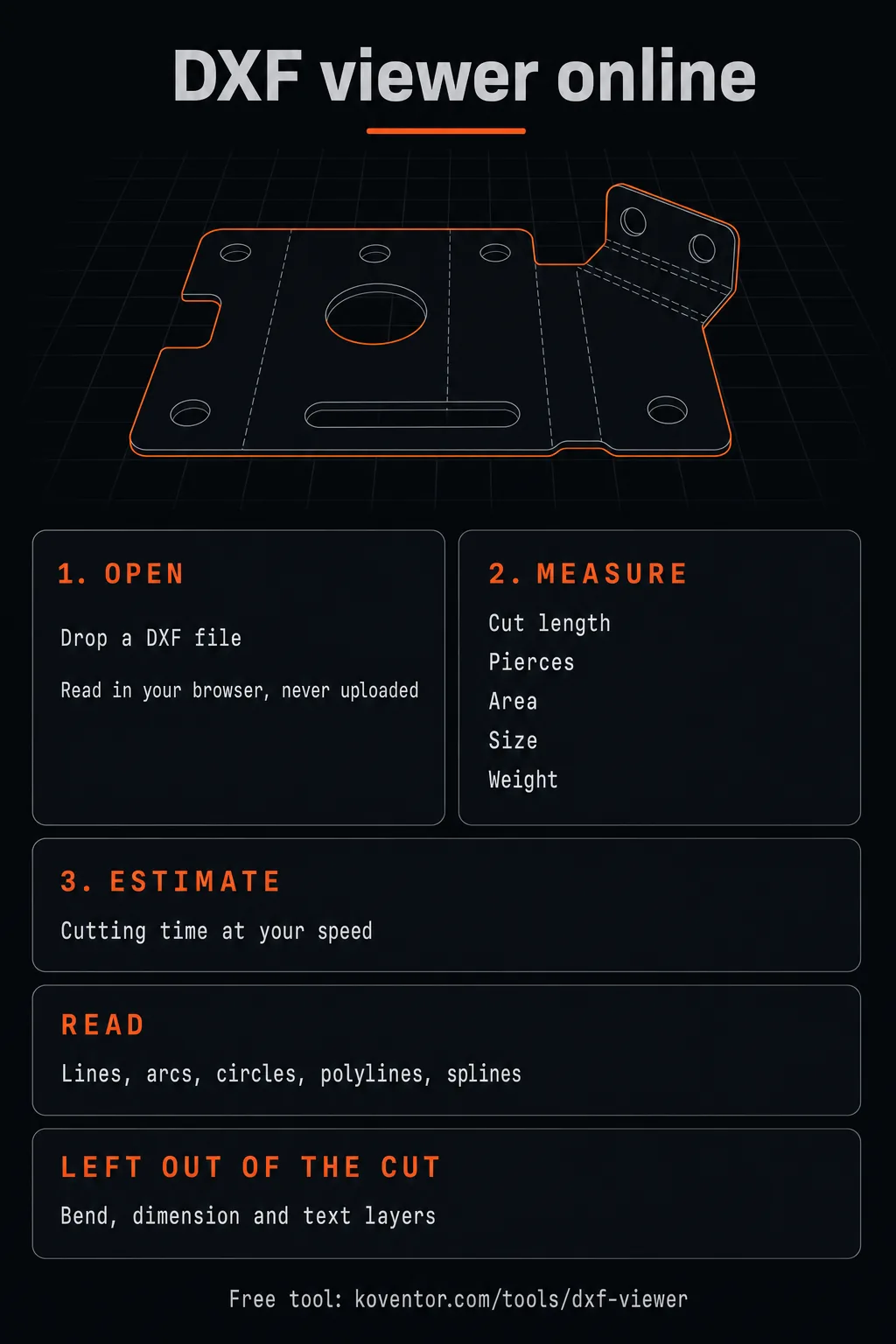
Open a DXF in your browser and see the part. The viewer measures the cut length, counts the pierces, gives the area, the size and the weight, flags open contours, duplicate and overlapping lines, and estimates the cutting time at your speed. The file is read on your device: nothing is uploaded.
Drop one or more DXF files here
ASCII DXF, R12 to 2018, up to 25 MB per file. A whole job: select all its DXF files, or drop its ZIP archive.
Your file stays on your device. It is read by your browser: neither the file, nor its name, nor its dimensions are sent to me, not even in my visit statistics.
What the viewer reads, and what it does not
Read and measured
Lines, arcs, circles, polylines with rounded segments, ellipses, splines (control points or fit points, as AutoCAD reads them), blocks inserted at any scale, rotation or mirror. Checked against ezdxf, an independent DXF library, on 35 reference files.
Shown, not measured
Layers you untick: bend lines, dimensions, centre lines, frozen or turned-off layers. They stay on screen, dashed, so you can see what was left out.
Not read, and said so
Text, dimensions and hatches are counted, not cut. 3D solids, meshes and multilines are not read: the viewer says so and marks the figures as partial. A binary DXF gets a clear message.
Frequently asked questions
How do I open a DXF file online?+
Drop the file on the viewer above, or pick it from your computer or phone. It is read inside your browser: the drawing is not uploaded anywhere. ASCII DXF files from R12 to 2018 open; a binary DXF is not read, and the viewer says so.
What does the viewer measure?+
The total cut length with every millimetre counted once (duplicate and overlapping lines removed), the closed contours (one pierce each), the open contours, the net material area, the overall size and, with the material and thickness you pick, the theoretical weight and an estimated cutting time at your speed.
Why are some layers unticked?+
Bend lines, dimensions, text, centre lines and engraving are not cut, and neither are layers frozen or turned off in the file. Those layers start unticked with the reason written next to them, so they do not inflate the cut length. Tick them back if your shop does cut them.
What are duplicate and overlapping lines?+
Two identical lines on top of each other, or two lines that share part of their length. The laser cuts that stretch twice: a longer cycle and a burnt edge. The viewer counts it once, tells you how much there is, and marks where it is on the drawing.
Which units does the viewer use?+
The unit declared in the file ($INSUNITS). Many DXF files declare none, every R12 file among them: the viewer then asks you for the unit instead of guessing. Every result can be shown in millimetres or inches.
What does a partial read mean?+
That part of the drawing could not be read: a file cut off during the transfer, a 3D solid, a missing block, lines off the XY plane. The viewer shows what it read, says what is missing, and does not present the figures as exact.
Can I check several DXF files at once?+
Yes. Drop every file of the job together, or their ZIP archive: each one is read in your browser, one by one, and nothing is sent. A table gives each file its verdict, cut length, pierces, area, size and weight for the material and thickness you pick, in millimetres or inches. Files to rework come first, and files sharing the same cutting outline are flagged. The Excel parts list and the folder check report are yours for your email address.
Is my drawing sent to Koventor?+
No. The file stays in your browser: neither the file, nor its name, nor its dimensions are sent to me, not even in my visit statistics. The PDF reports are made in your browser too. If you ask for the check report, I receive your email address with the material and thickness you picked, nothing from the drawing.
Going further
No DXF needed from your customer, none to redraw
With Koventor your customer sends a photo of a hand sketch, the part comes back dimensioned and priced on your rates, and the approved flat pattern comes out as a DXF ready for your CAM.
With this free tool
- Your DXF on screen, with its cut length, closed contours, size, area and weight.
- A cutting time from your machine's speed, and the analysis as a PDF.
With Koventor, on top
- Your customer does not need a DXF: a photo of a hand sketch comes back as a dimensioned part.
- The approved flat pattern comes out as a DXF at the right dimensions, holes included, ready for your CAM.
- The price is built on your rates before the part reaches you.