Configurator for cutting & bending shops
Your customers sketch.
You cut.
Koventor reads your customers' sketches, applies YOUR shop's constraints and produces quote + DXF + bending sheet, without a single phone call for "the missing dimension."
No-account demo · dummy prices · nothing goes to a real shop
Quoting costs you more than the material.
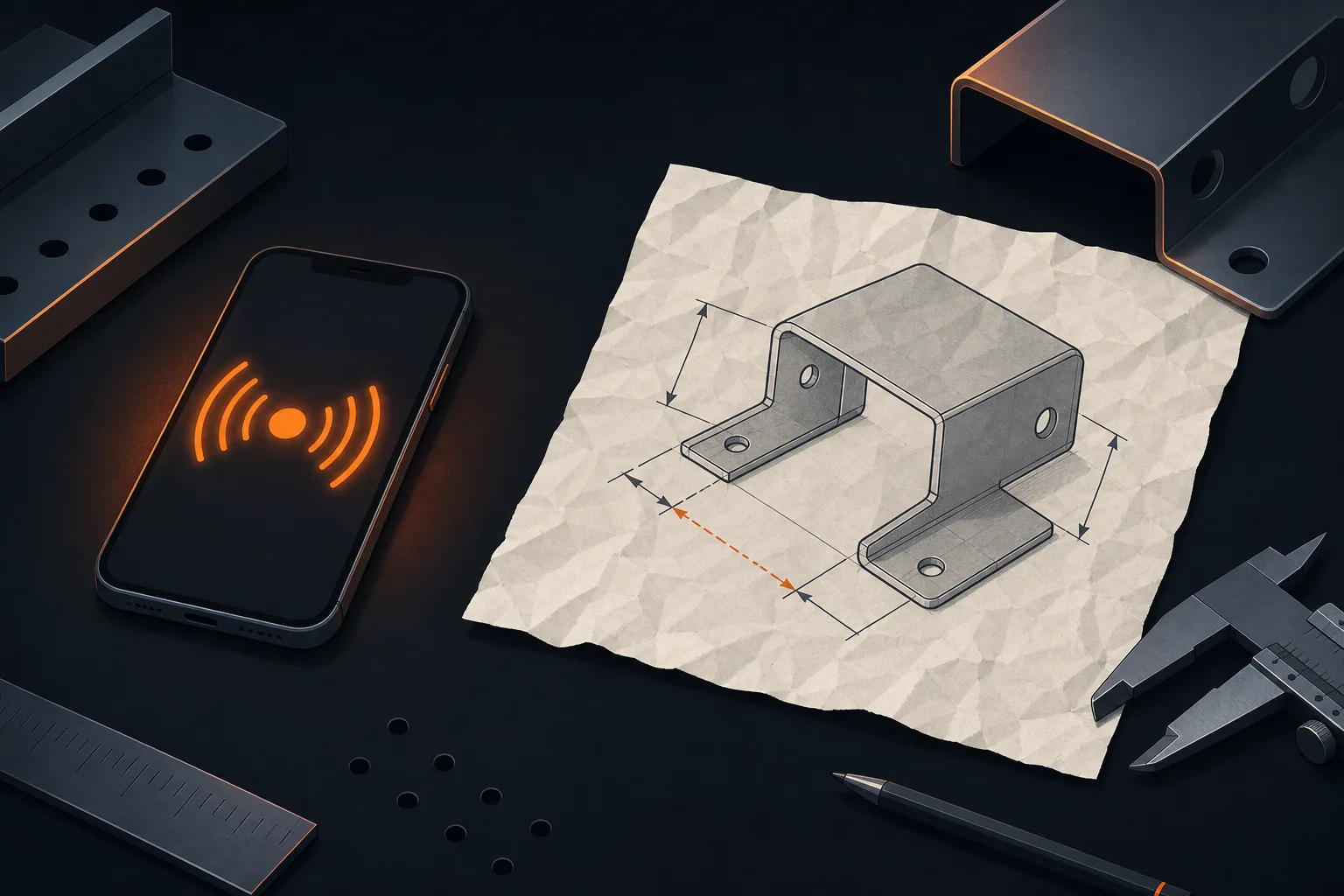
Three calls for one dimension
The customer sends a blurry photo, the angle, thickness and material are missing. Every quote turns into a phone investigation.

Quoting happens after hours
Quotes pile up, get priced after closing, go out late. And meanwhile, the competitor has already replied.
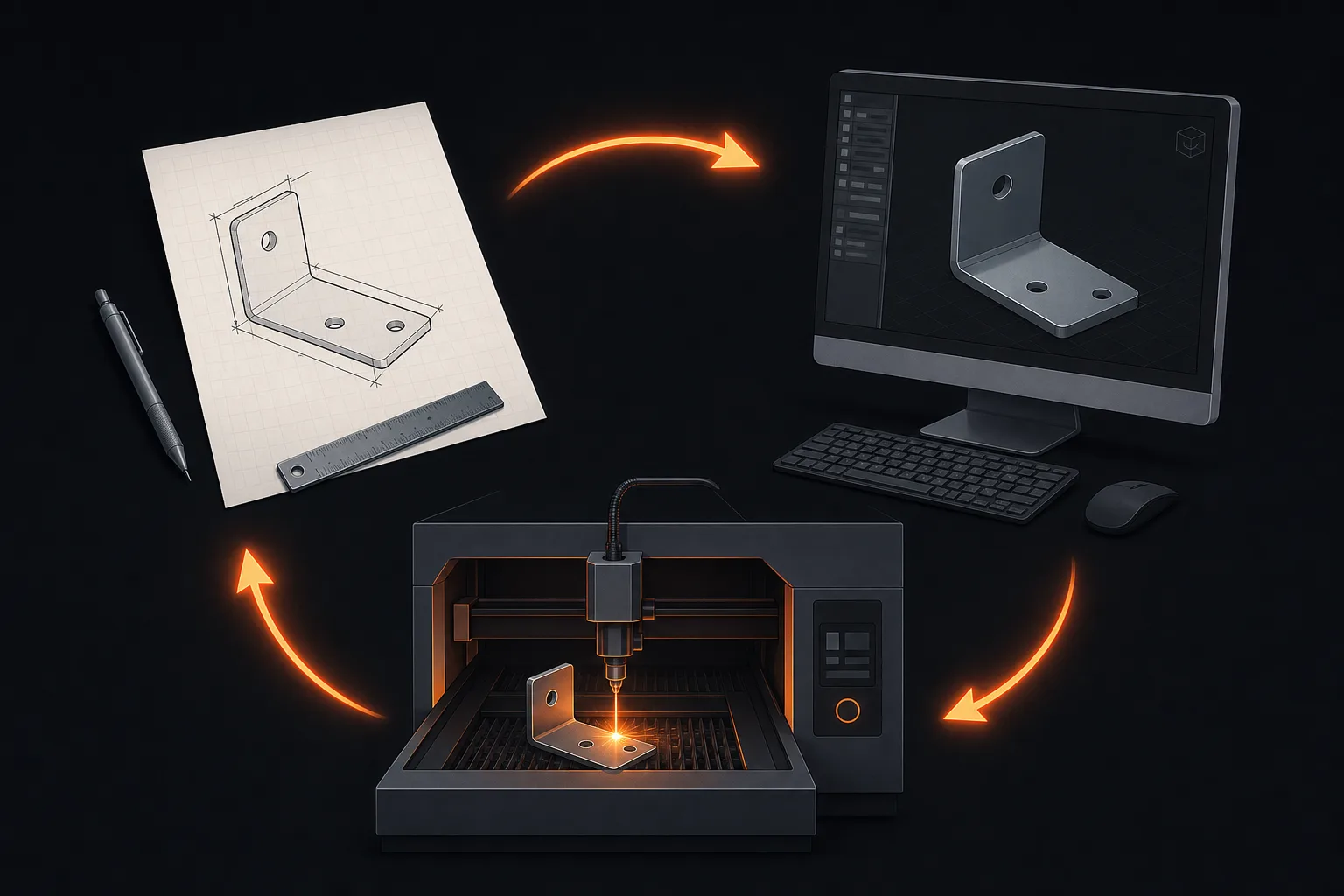
Endless re-keying
Sketch → quote → DXF → bending sheet: the same part, redrawn three times, with an error slipping in along the way.
How it works
From sketch to laser, hands-free.
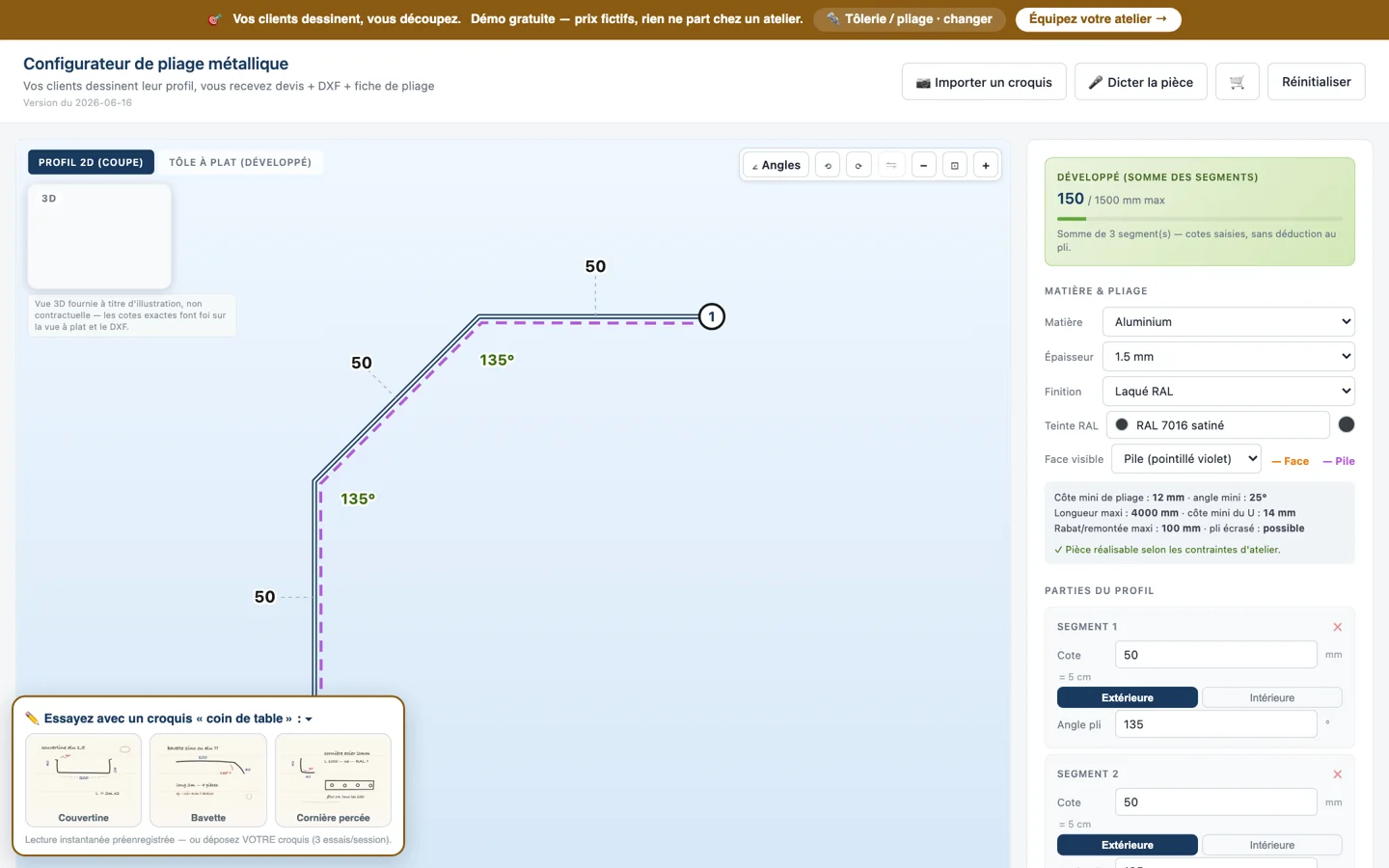
Real screenshot of the public demo — try it, it's free.
1 · Your customer sends their sketch
A photo of a paper sketch is enough. Koventor reads the dimensions, angles and orientation. If something is missing, it's asked of the customer once, at the right moment.
sketch OCR · photo → part
2 · The part is checked against YOUR constraints
Minimum bend dimension, minimum angle, maximum length, return flanges, closed hems: the part is validated against YOUR shop's rules. Impossible to order the unmakeable.
shop constraints
3 · Quote, DXF and bending sheet come out on their own
Material + time + drilling cost, optimized nesting, shipping. The customer confirms, you receive the ready-to-cut DXF and the bending sheet. Zero re-keying.
quote + DXF + bending sheet
4 · Cart, order, PDF order confirmation
Multi-part, history, PDF order acknowledgment attached to the email. The follow-up on abandoned sketches goes out on its own.
end-to-end order
Features
Everything Koventor actually does.
Every feature below exists and runs in the demo. Nothing "coming soon."
Sketch reading (OCR)
Photo of a paper sketch → dimensioned part, orientation detected automatically.
Voice input
The customer can dictate their part or answer questions by voice.
Bent profiles in 3D
three.js visualization: edges, Front/Back labels, hole markers.
RAL colors
Pick the color with a swatch, choose which face is visible.
Automatic pricing
Material, time, drilling, shipping, margin: YOUR shop's price grid.
Optimized nesting
Parts nested by rotation to save material.
Ready-to-cut DXF
The file goes straight to your laser without redrawing anything.
Bending sheet + PDF confirmation
Production documents and order acknowledgment generated and sent on their own.
Automatic follow-up
Abandoned sketch? The reminder goes out on its own, with a resume link.
Battle-tested in production, adapted by trade.
Koventor was designed and battle-tested with a fabrication shop in real production: the constraints, price grid and generated documents come from the field. The same engine configures for other cutting trades:
- Every demo is real and public, no account required
- Your instance = YOUR materials, YOUR constraints, YOUR price grid
- Embeddable into your existing website via a simple script
The blog
Quoting, sketches, the shop: our take
Tempus Tools, ipLaser, Xometry: what they do (and don't) with sketches
An honest comparison of laser cutting quoting configurators: what Tempus Tools, ipLaser and Xometry really do when faced with a non-CAD customer sketch.
July 1, 2026Sheet metal quoting configurator: how it actually works
A quoting configurator reads your customers' sketches, fills in the missing information and produces an indicative price. Here's how it works, step by step, with no empty promises.
July 1, 2026How much time do you spend quoting a sheet metal job?
Manual quoting of a sheet metal job costs more than it looks. Learn how to cut that time without sacrificing accuracy or the human touch.
Frequently asked questions
How does Koventor read my customers' sketches?
The customer photographs or uploads their paper sketch. Koventor recognizes the segments, dimensions and angles, orients the part, and only asks for the missing information. The customer can also draw directly in the configurator or dictate their part by voice.
Does Koventor adapt to my shop's constraints?
Yes, that's the heart of the product: minimum bend dimensions, angles, maximum lengths, available thicknesses and materials, price grid, margins. Each instance is configured for a specific shop, and the part is validated against your rules before any quote.
How does it install on my website?
Two options: a dedicated page for your shop, or integration directly into your existing website via a simple script. Installation and the setup of your constraints are done together with you.
How much does it cost?
Pricing depends on your configuration (materials, constraints, integration). Start with the free demo, then let's talk about your shop: you walk away with a clear quote before any commitment.
Is Koventor used in real-world conditions?
Yes. Koventor was designed and battle-tested with a fabrication shop in real production: the constraints, prices and generated documents (DXF, bending sheet, order confirmation) come from the field, not from a theoretical spec sheet.
How many hours of quoting this week?
Try the demo with a real sketch from your shop. Then let's talk about your constraints: you walk away with a clear quote, no commitment.